
You have Studio
Open Florophilia and log in with the email you joined with.


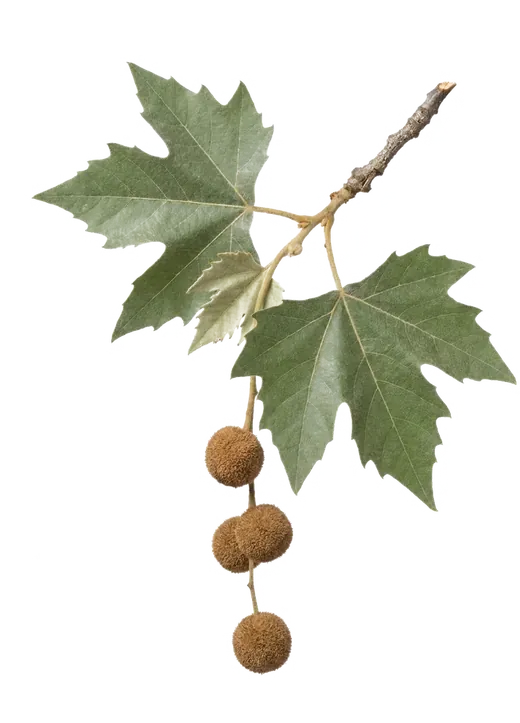

Florophilia Studio
Studio takes away the daily limits and adds the tools for client work.Studio is for landscape designers and botanical illustrators to find inspiration for their next projects. Florophilia teaches the plants of your region one family at a time, and it does it by having you look closely and draw. It's like Duolingo for botany.
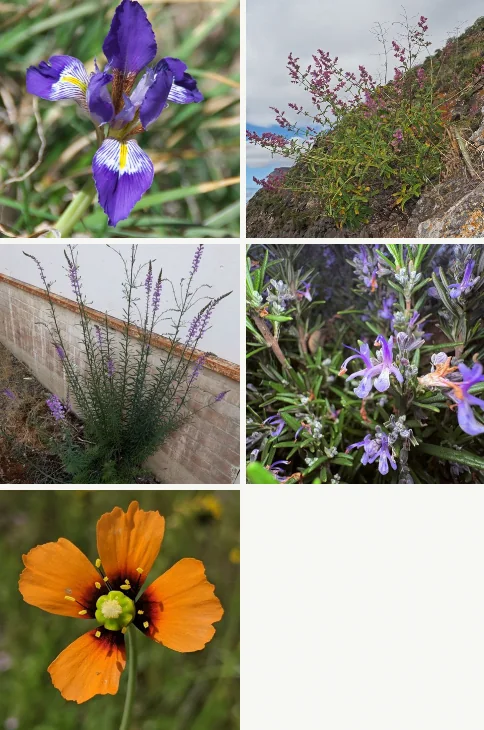

Look.
Study what's growing outside.Florophilia opens on a set of plants from your region. Refresh for a new set and keep the ones you like.
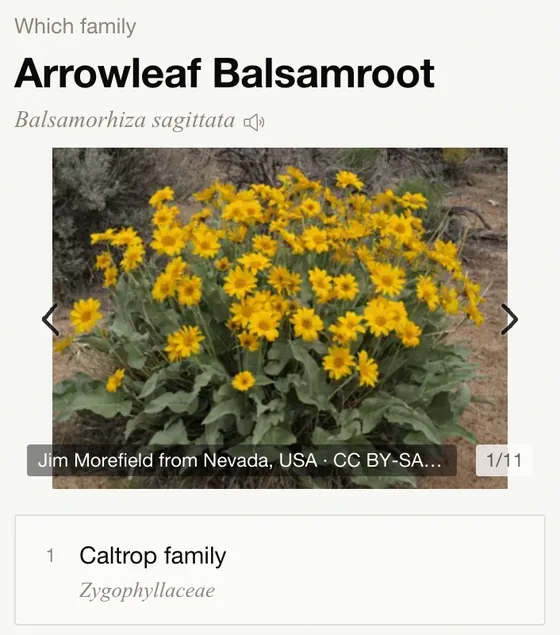
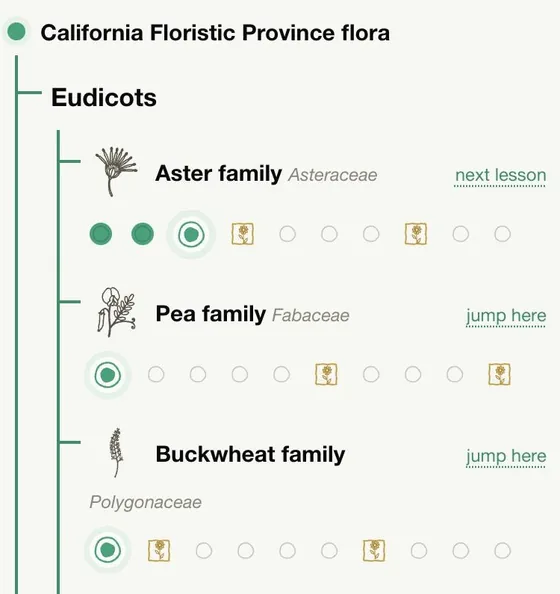

Learn.
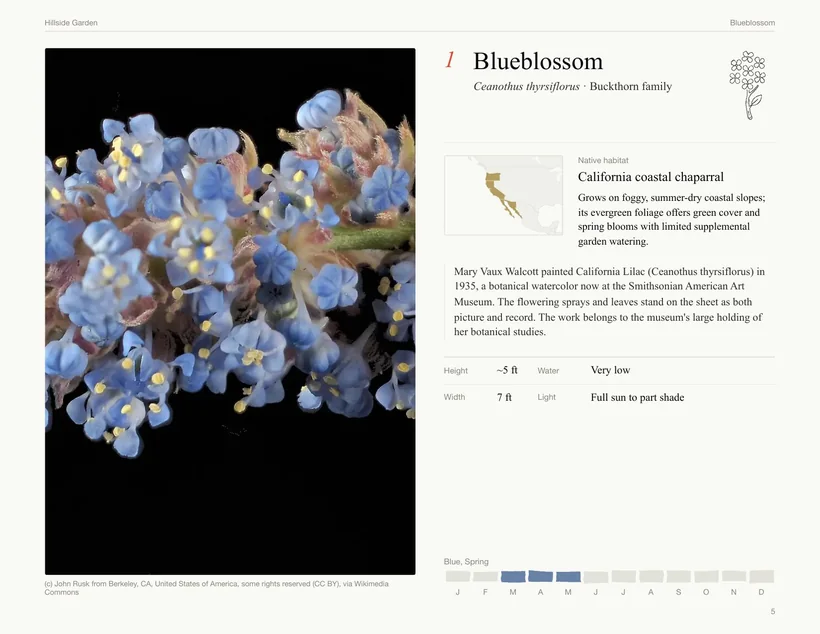
Your region is the course.Each lesson is one plant family and ten to twelve questions. Every question starts with a drawing or a photograph.

Read.
The plants that shaped the world.Taxonomy tells you what a plant is. The stories tell you what people did with it.
Draw.
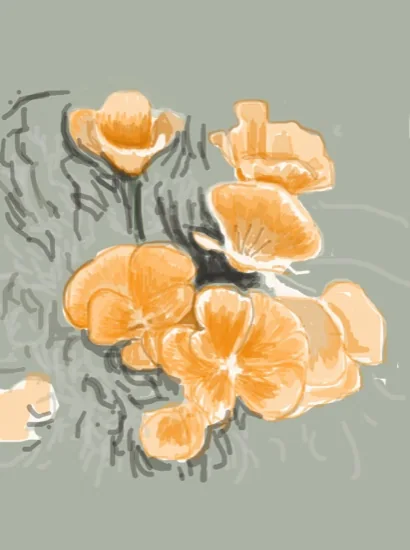
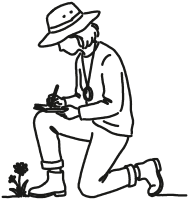
Draw it to know it.Trace a plant from a reference image, then draw it again without one.
Plant.
For the studio, from palette to planting plan.Build a palette for a site and export it, from CAD blocks to a planting book. Then find the local nurseries near you that carry the plants you love.
Free
No account needed to start. No ads.
- Every plant page, in all 13 regions
- One new lesson a day
- The learning exercises
- Draw any plant
- Keep one drawing and one palette a day
- Fifteen plant stories a day
- The nearest local nurseries
Studio, $39.99 a year
$3.33 a month, billed once a year
- Keep and share every palette and drawing
- Tools for designers
- Every lesson and story, with no daily limit
- Cancel any time
What's free
Every plant page, in all 13 regions. One new family lesson a day, with as many wrong answers as it takes, and review of any plant you have already met. The learning exercises. You can draw any plant and keep one drawing and one palette each day, and fifteen plant stories open each day. No account is needed to start, and there are no ads.
What Studio adds
Every lesson and every story, with no daily limit. Everything you draw or collect is kept. You can make your work public and comment on other people's, and you can build a palette with collaborators. The practice games open, and so do the bloom calendar and the glossary. The design tools and their exports are in the next section.
For landscape designers and botanical illustrators
Build a plant palette for a site, then export what the job needs. CAD blocks go into the plan. The planting schedule opens as a spreadsheet, with a care note for the client beside each plant. The water budget is figured from NOAA climate normals for the site's ZIP code, and the light plan lists the hours and the exposure each plant needs. The planting book is for the client and carries your studio's name.
Botanical illustrators work from the drawing side of Studio. Draw from a photograph or from a herbarium sheet, and export the ink alone on a transparent layer that opens in Procreate or Photoshop. Studio keeps every drawing, and it lets you publish them in a sketchbook under your own name, with your bio and a link to your site.
How drawing and tracing work
Open any plant and draw it, either looking at a photograph or tracing over one. Most people start by tracing, because the hand learns a shape before the eye can name it. Florophilia credits the photographer on every tracing. A few photographs carry licenses that limit copies; you can still trace those for practice, and Florophilia tells you when a tracing cannot be kept or shared.
How lessons are built
The course is divided into 13 regions, so you learn plants you can walk out and find. Within a region you learn one family at a time, because the plants in a family share marks you can see. Each family has ten lessons, which run from the easy marks to the botany. A lineage tree shows where the family sits among its relatives, so each new plant has a place to go.
Privacy and no ads
Florophilia has no ads and no third-party trackers, whether you pay or not. What you make is private until you make it public, and your email address is never shown. You can delete your account in Settings. This page sets no tracking cookies; it stores your login and nothing else.
Billing and cancelling
$39.99 a year. It renews each year until you cancel, and you can cancel any time; Studio then runs to the end of the year you paid for. Payment on this page is handled by Stripe, through Link, so we never see your card. Your receipt will say "Sold through Link." To cancel, go to link.com and sign in with the email on the receipt. If you joined on iPhone or Android, Apple or Google bills you, and you cancel in that store's settings.
Questions
Is the free plan a trial?
No. There is no trial period and no card to enter. The limits are daily ones: one new lesson, one drawing kept, one palette kept, fifteen stories.
If you are a student, or wish to try for free, just DM us and we will send you a student discount code.
I already use Florophilia on my phone. How does Studio reach it?
Join here with the same email you use on your phone. Studio belongs to the account, so it is there the next time you open Florophilia. If you have been using it without an account, create one here and log in with it on your phone.
Can I pay on my phone instead?
Yes. On iPhone and Android it is sold inside Florophilia at the same price, billed by Apple or Google.
How do I cancel?
Go to link.com and sign in with the email on your receipt. Studio runs to the end of the year you paid for, and you keep everything you made.
Which regions does it cover?
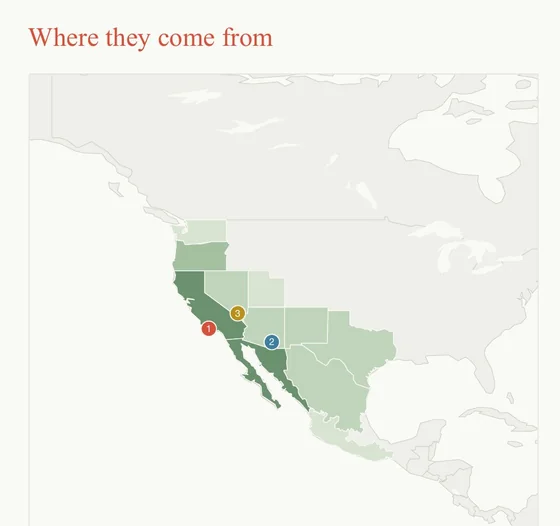
Thirteen: the Eastern Woodlands, the Northern Forests, the Great Plains, the Rocky Mountains, the Pacific Northwest, the California Floristic Province, the Great Basin Desert, the Mojave Desert, the Sonoran Desert, the Chihuahuan Desert, the Sky Islands, the Everglades and Hawaiʻi.
Do I need to know how to draw?
No. Start by tracing over a photograph. The drawing does not have to be good; making it is how you notice where a leaf attaches.